
Currently, we offer two products:
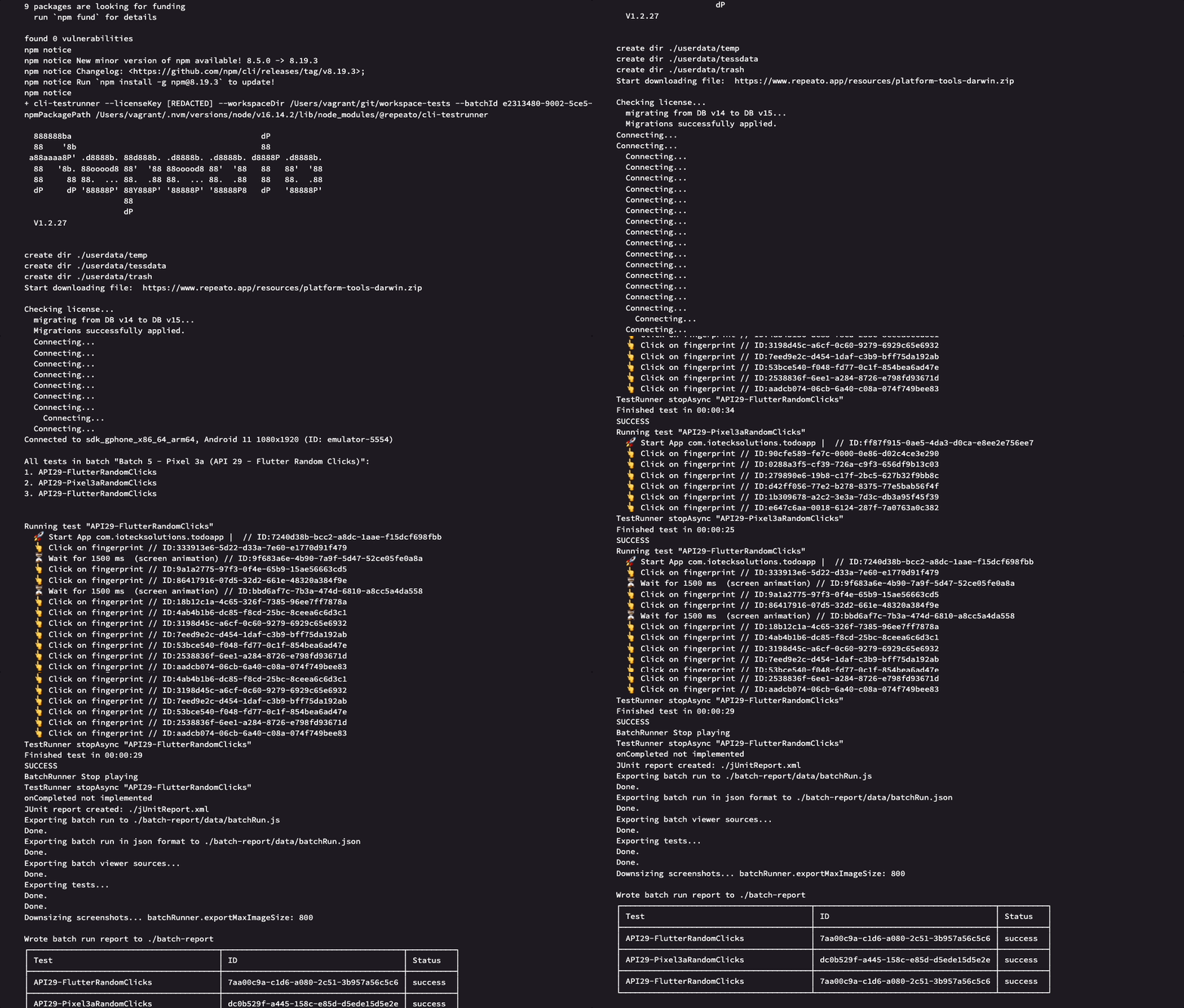
We currently don’t offer any cloud services for running your tests.
However, you can use our test runner to run tests on third-party services such as Github Actions, Bitrise, Codemagic or CircleCI.
Since those services only support virtual devices, we also recommend recording your tests on the same virtual devices. This way, you will get the best test stability and performance.
Before setting up your remote testing pipeline, you will have to make sure that your test workspace is pushed to some remote server (such as Github).
→ Here is how to start versioning your workspace via git.
Even though Repeato CLI will run on pretty much any server, we currently offer 4 setup guides (more to come):

Add a “Repeato Test Runner” step to your workflow in the Bitrise Workflow Editor. You can also run the “Repeato Test Runner” step directly with Bitrise CLI.
The step takes care of checking the system requirements as well as installing and starting the headless Repeato CLI test runner. After running the tests, it sets the environment variables that can be used in consecutive steps.
Please make sure the AVD or IOS emulator is configured properly. Further, your Android/iOS app build must be installed on the emulator before running the test batch. We recommend running the tests on the same device / emulator you originally used for creating them. This way you will get the most stability and performance.
For iOS Simulators there isn’t any step, that starts the simulator, as the xcodebuild test command for the iOS testing step boots the simulator by default.
| Key | Description | Flags | Default |
|---|---|---|---|
repeato_cli_version |
Set the repeato CLI version compatible to your workspace tests. | required | latest |
workspace_path |
Repeato test runner need workspace path for setting up the workspace before executing batch. | required | $BITRISE_SOURCE_DIR |
batch_id |
Set batch id for the tests execution. | required | 0 |
access_token |
Set access token for the tests execution. | required | none |
| Environment Variable | Description |
|---|---|
REPEATO_REPORT |
Repeato Batch Report Zip File |
REPEATO_JUNIT_REPORT |
Repeato JUnit XML File |
The emulator needs some time to boot up. The earlier you place the step in your workflow, the more tasks, such as cloning or caching, you can complete in your workflow before the emulator starts working. We recommend that you also add Wait for Android emulator Step (in the case of android) to your workflow as it acts as a shield preventing the AVD manager to kick in too early. Make sure you add the Wait for Android emulator Step BEFORE the Repeato Test Runner Step so our step can use AVD Manager.
Here is the our demo pipeline on Bitrise, which we’ve setup for our step testing (bitrise.yml can be downloaded here):

flutter build apk --split-per-abi) and sending to emulator using adb install (make sure you send/install the apk compatible to your emulator settings x86_64 or arm64 etc…). You might have to configure different step for making the build and sending to device (depending upon your APP). Also make sure before the next step workspace-tests are cloned (if they are in separate repository) – See Useful links section below.batch-reports zip file and JUnit XML file into the bitrise upload directory($BITRISE_DEPLOY_DIR). You can use this step to upload the reports into the test artifacts section. You could also use FTP Upload or a Deploy to S3 step for uploading reports.
This guide explains how to integrate Repeato CLI with GitHub Actions and replace the default demo workspace with your own Repeato Workspace.
Example:
C:\Users\UserName\RepeatoWorkspaceOpen Terminal / Command Prompt and navigate to your workspace.
Run: cd [workspace-path]
Example: cd C:\Users\UserName\RepeatoWorkspace
Initialize Git:
git initgit add .git commit -m "Initial commit"
This converts your Repeato Workspace into a Git repository.Example repository name:
repeato-workspaceDo not add a README file while creating the repository.
Copy your GitHub repository URL.
Example: https://github.com/yourusername/repeato-workspace.git
Run:
git branch -M maingit remote add origin https://github.com/yourusername/repeato-workspace.gitgit push -u origin mainAccount → Access TokensSettings → Secrets and variables → ActionsAdd the following:
Secret Name –REPEATO_ACCESS_TOKEN
Secret Value – Paste the copied Repeato access token.
Your GitHub Action will now be able to authenticate with Repeato CLI.
If your workflow contains:
env:
REPEATO_ACCESS_TOKEN: ${{ secrets.REPEATO_ACCESS_TOKEN }}Important:
Do not paste the access token directly inside the YAML file. Always store it in GitHub Secrets for security.
Inside your GitHub repository, create this folder structure: .github/workflows/
Create a file: workflow.yml
Paste the following configuration into workflow.yml.
name: Integration with REPEATO CLI
on: [push, workflow_dispatch]
permissions:
  contents: write

jobs:
  repeato-cli:
    name: Build and run repeato tests using Repeato CLI
    runs-on: ubuntu-latest
    steps:
      # Configure Node.js. Version 20 required by @repeato/cli-testrunner >= 1.9 (sharp dependency)
      - uses: actions/setup-node@v4
        with:
          node-version: '20'

      # Validate Repeato access token
      - name: Validate Repeato access token
        env:
          REPEATO_ACCESS_TOKEN: ${{ secrets.REPEATO_ACCESS_TOKEN }}
        run: |
          if [ -z "$REPEATO_ACCESS_TOKEN" ]; then
            echo "REPEATO_ACCESS_TOKEN secret is not set."
            exit 1
          fi

      # Check out the app source code
      - uses: actions/checkout@v4

      # Check out the Repeato test workspace
      - name: Checkout workspace repo
        uses: actions/checkout@v4
        with:
          repository: repeato-qa/demo-workspace
          path: workspace-tests
          clean: false

      # Enable KVM for hardware-accelerated Android emulation on Ubuntu
      - name: Enable KVM group perms
        run: |
          echo 'KERNEL=="kvm", GROUP="kvm", MODE="0666", OPTIONS+="static_node=kvm"' | sudo tee /etc/udev/rules.d/99-kvm4all.rules
          sudo udevadm control --reload-rules
          sudo udevadm trigger --name-match=kvm
          mkdir -p ~/.android/avd

      # Start emulator and run the tests via npx @repeato/cli-testrunner
      - name: run tests
        uses: reactivecircus/android-emulator-runner@d7b53ddc6e44254e1f4cf4a6ad67345837027a66
        timeout-minutes: 20
        env:
          REPEATO_ACCESS_TOKEN: ${{ secrets.REPEATO_ACCESS_TOKEN }}
          ANDROID_AVD_HOME: /home/runner/.android/avd
        with:
          api-level: 29
          arch: x86_64
          target: google_apis
          profile: pixel_3a
          force-avd-creation: false
          emulator-options: -no-snapshot-save -no-window -gpu swiftshader_indirect -noaudio -no-boot-anim -camera-back none -no-metrics
          disable-animations: true
          script: |
            adb kill-server
            adb start-server
            npx @repeato/cli-testrunner --workspaceDir "${GITHUB_WORKSPACE}/workspace-tests" --batchId 0 --accessToken "$REPEATO_ACCESS_TOKEN" --outputDir "${GITHUB_WORKSPACE}/batch-report"

      # Upload the batch test report (screenshots + results) even on failure, for debugging
      - name: Upload test report
        if: always()
        uses: actions/upload-artifact@v4
        with:
          name: batch-report
path: batch-report/Replace this line: repository: yourusername/repeato-workspace
Run:
git add .
git commit -m "Added Repeato GitHub workflow"
git pushYou should see:Integration with REPEATO CLI running automatically.
The workflow will:
repeato-workspace with your actual workspace repository name if different.REPEATO_ACCESS_TOKEN is added in GitHub Secrets.20 is required for newer Repeato CLI versions.
Codemagic is a cloud-based continuous integration and delivery (CI/CD) service that enables developers to build, test, and deploy their mobile apps to multiple platforms. It is a part of the Flutter ecosystem and supports both Flutter and React Native apps. Codemagic can help developers automate many of the tasks involved in building mobile apps, including testing, building, and deploying to app stores.
Here are the steps to follow:
This is what the the workflow does, as soon as you push changes to your Git repository:
workflows:
  build-workflow:
    name: Build Workflow
    instance_type: mac_pro
    max_build_duration: 120
    environment:
      node: 16.19.0
      flutter: 3.0.1
      groups:
        - standard
    scripts:
      - name: Set up local.properties
        script: |
          #!/usr/bin/env zsh
          echo "flutter.sdk=$HOME/programs/flutter" > "$CM_BUILD_DIR/android/local.properties"
      - name: Get Flutter packages
        script: flutter packages pub get
      - name: Build apk with Flutter
        script: flutter build apk
    publishing:
      scripts:
        - name: List exported files
          script: |
            ls -la $CM_EXPORT_DIR
    artifacts:
      - build/**/outputs/apk/**/*.apk
  test-android-workflow:
    name: Test Workflow
    instance_type: mac_pro
    max_build_duration: 120
    environment:
      node: 16.19.0
      flutter: 3.0.1
      groups:
        - standard
    scripts:
      - name: Set up local.properties
        script: |
          #!/usr/bin/env zsh
          echo "flutter.sdk=$HOME/programs/flutter" > "$CM_BUILD_DIR/android/local.properties"
      - name: Launch emulator
        script: |
          emulator @emulator &  # Use `emulator -list-avds` to list all emulators
          adb wait-for-device # wait for the emulator to finish loading
      - name: Install app
        script: |
          adb install app.apk
      - name: Wait for 20 seconds
        script: sleep $((20*1))
      - name: Run Repeato tests
        script: |
          npx @repeato/cli-testrunner \
          --workspaceDir "demo-workspace" \
          --logLevel "DEBUG" \
          --batchId 0 \
          --accessToken "$REPEATO_ACCESS_TOKEN" \
          --waitDurationBetweenSteps 2000 \
          --timeoutFactor 1.5 \
          --outputDir "$CM_EXPORT_DIR/batch-report"
    publishing:
      scripts:
        - name: List exported files
          script: |
            ls -la $CM_EXPORT_DIR
            ls -la $CM_EXPORT_DIR/batch-report
        - name: Publish to S3 bucket
          script: |
            sudo pip3 install awscli --upgrade
            aws s3 sync "$CM_EXPORT_DIR/batch-report" s3://repeato-batch-result-demo/batch-report
            echo "open report here: https://repeato-batch-result-demo.s3.eu-central-1.amazonaws.com/batch-report/index.html"
      slack:
        channel: '#dev'
        notify_on_build_start: false # To receive a notification when a build starts
        notify:
          success: true
          failure: true
* Repeato CLI is currently only officially supported on Codemagics’ Mac machines.

Appcircle is a cloud-based platform for continuous integration and continuous delivery (CI/CD) that helps automate the build, test, and deployment processes of mobile applications. It offers a comprehensive set of tools and features to automate and streamline the build, test, and deployment processes of mobile applications.
Additionally, with Appcircle self-hosted, you can host the CI/CD infrastructure on your own servers or in a private cloud environment, providing you with complete control and ownership over the infrastructure.
Before you begin, make sure you have the following:
Important Note: For the “Test Reports” step, make sure to enable the “Always run this step even if the previous steps fail” option. This ensures that you will receive reports for both successful and failed tests.
Get even more detailed information and tips on the Appcircle website