
“I’ve tested over 10 different AI automation platforms... Repeato was the first AI automation tool that made it easy. Within ten minutes, I had everything up and running flawlessly. The simplicity, speed, and accuracy were unmatched.”
Smart Appliance Testing
Test smart appliances across every program and connection state
Automate setup, remote controls, live status, schedules, calibration, account features, notifications, and firmware updates against real connected appliances.
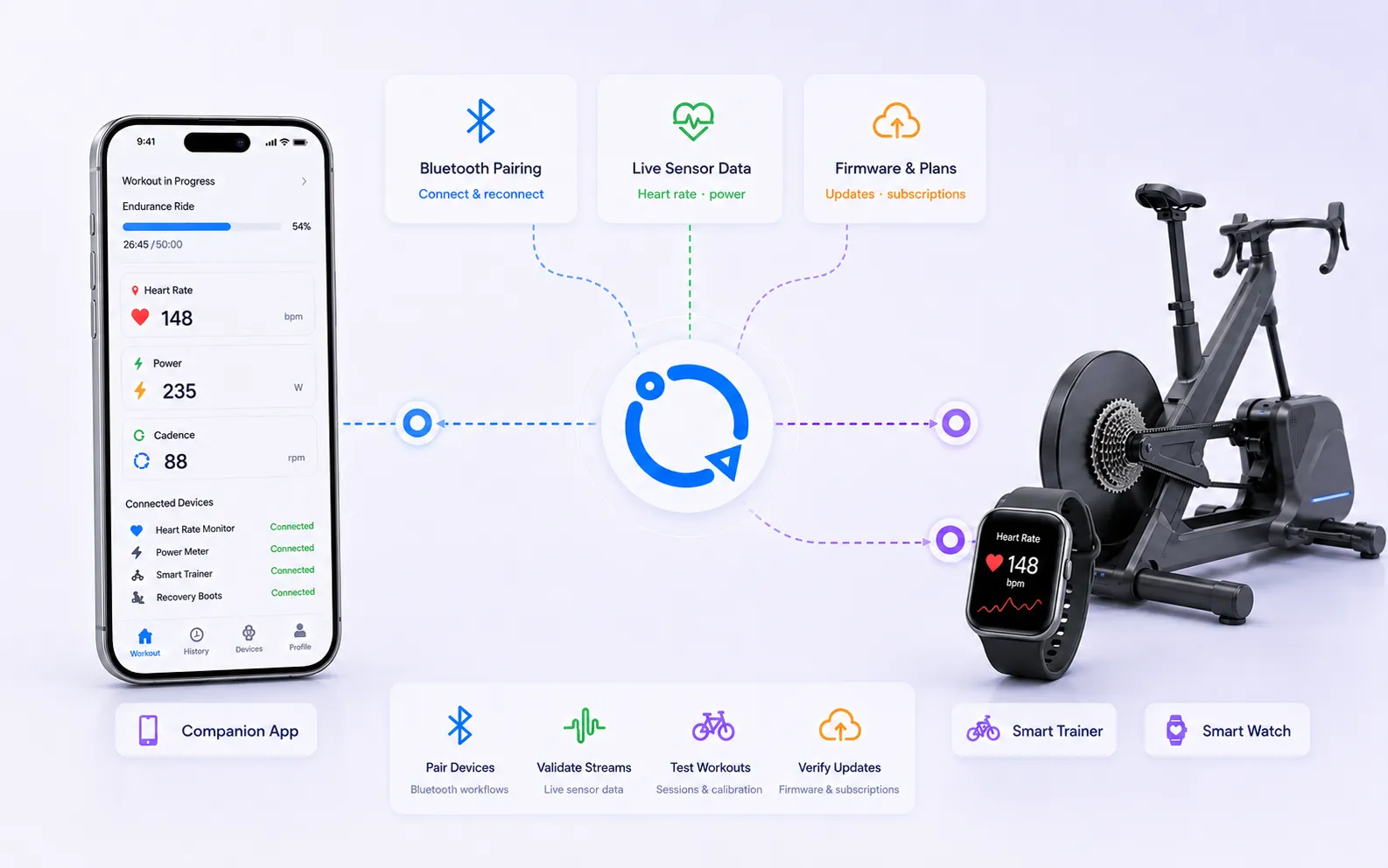
- Test setup and remote controls
- Validate programs and live status
- Cover notifications and updates
How Repeato helps
Validate appliance behavior from app command to device state
Bring the companion app, real appliance, service APIs, and account state into one locally executed regression workflow.
Automate onboarding and configuration
Record Bluetooth or Wi-Fi setup, permissions, device naming, calibration, preferences, and account connection.
Exercise programs and schedules
Start, adjust, pause, and complete device programs while checking live status, timers, notifications, and synchronized controls.
Verify access and resilience
Cover subscription features, offline behavior, interrupted programs, firmware updates, power restoration, and recovery after network changes.
Customer proof
What teams achieve with Repeato
Customers highlight fast setup, accessible test creation, and significantly shorter regression cycles.
“Full regression testing used to take me a week for one device type. With Repeato, the bulk of it finishes in a few hours.”
“Creating and maintaining tests is very easy. It became a practical option for the whole team, not only automation specialists.”
“I automated all my mobile app test cases within a weekend. It is easy to use, easy to maintain, and helps us catch regression issues before each release.”
“The five-minute installation time is real. Batch runs, waiting for UI states, and black-box testing make it genuinely useful for QA teams.”
“Repeato is intuitive and user-friendly. I had my environment ready in minutes and could start creating tests right away.”
“Setup was quick and simple, tests were easy to record, and even the tweaks took little effort to figure out.”
“We have a small team with one tester and this product answers a UI testing problem that had baffled us for a long time.”
“The onboarding was seamless and I was creating test cases in no time. Repeato feels like a powerful tool for QA and app testing teams.”
FAQ
Frequently asked questions
Can Repeato run on our own infrastructure?
Yes. Repeato Studio and the Repeato CLI can run on your own machines and within your CI setup.
Does Repeato require source code or element IDs?
No. Repeato can work from screen pixels and visual fingerprints. When available, it can also use OCR, view IDs, and the app’s layout hierarchy as additional matching strategies.
What happens when the design changes?
Visual fingerprints may need updating after meaningful design changes. OCR, view IDs, layout-hierarchy fallbacks, and configurable matching settings provide additional ways to find elements when appropriate.
Is a cloud connection required?
No. Repeato Studio is local-first and works offline. Tests, configuration, and results remain in a normal workspace directory, while cloud features are optional.
Do I need to write code to get started?
No. The primary workflow is no-code, with optional JavaScript support when advanced customization is needed.
Ready to try it?
Speed up your regression testing without adding more maintenance.
Start with the free version, validate a real workflow, and move high-value regression paths into repeatable automation.